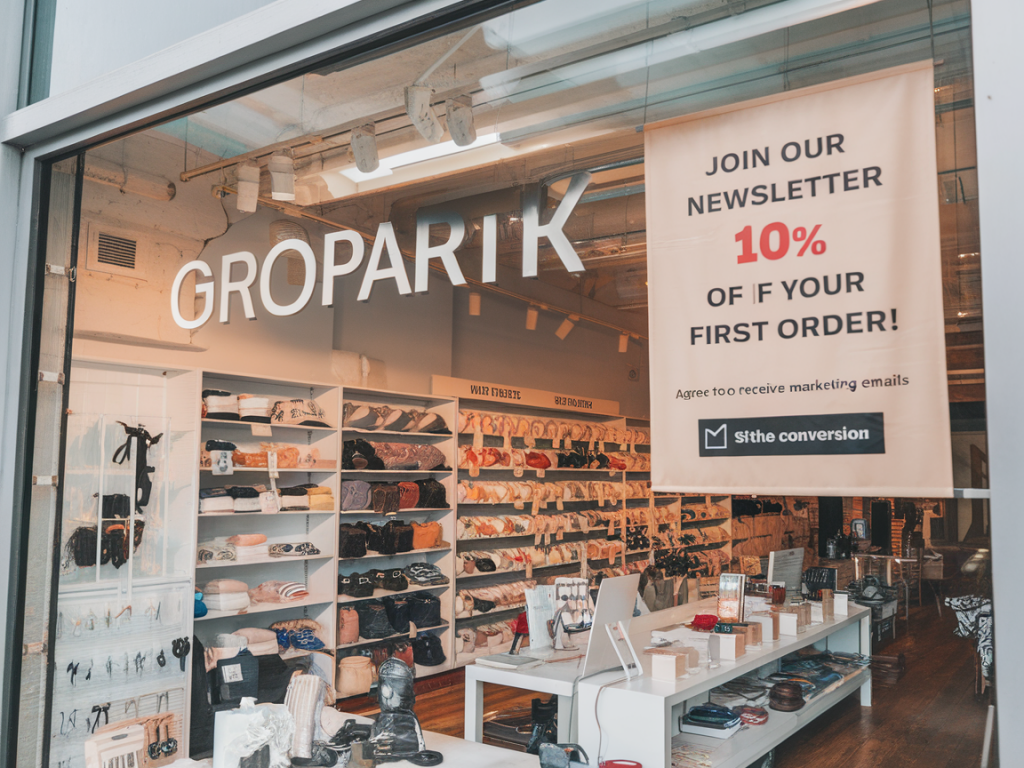
When third-party cookies started losing steam and consumers demanded more control over their data, I began to shift every acquisition and retention strategy I run toward zero-party data — the explicit information customers willingly share with you. On Shopify, capturing zero-party data can feel like walking a tightrope: you want rich, actionable insight without adding friction that kills conversion. Over the years I’ve built and optimized several flows that keep conversion healthy while collecting preferences, intent, and personality signals that fuel personalization and higher LTV.
Why zero-party data matters (and why it can hurt conversion)
Zero-party data is gold because it's accurate and permissioned: product preferences, style choices, sizing, motivations, or even purchase timelines. But asking for too much, at the wrong moment, or without clear value destroys momentum. The challenge is designing capture points that feel natural, valuable, and optional — not transactional barriers.
Design principles I follow
- Value first: Always tell people what they get in exchange for their data — not just “subscribe” but “get personalized picks and 10% off your first tailored box.”
- Micro-commitments: Ask for one small preference at a time. Micro-asks have much higher completion than long forms.
- Progressive profiling: Don’t try to collect everything up front. Build the profile over time across touch points (homepage, add-to-cart, post-purchase).
- Mobile-first UX: Most Shopify stores are mobile-heavy. Tiny, thumb-friendly interactions win.
- Transparency and control: Explain how data will be used and let users edit or opt out easily.
Where to capture zero-party data on Shopify
Placement matters. Here are the places I prioritize and why:
- Homepage quick preference module: A short “Help us recommend” widget with 1–2 dropdowns or swatches for favorite styles.
- Product pages: Offer a one-question modal: “Which look are you building?” Use visual buttons that map to product tags.
- Cart or mini-cart prompts: Micro-survey asking purchase intent (gift, personal, seasonal) to tailor follow-ups.
- Checkout (optional): Never add friction in checkout. If you capture anything, it should be non-blocking (e.g., a single optional question on the confirmation page).
- Post-purchase flows and order tracking: Customers are receptive after buying — ask about fit, preferences, or future interest, and tie rewards to responses.
- Email preference center: Replace the generic subscribe form with a preference center where users pick content types, frequency, or categories.
Concrete capture flows that work
Here are flow blueprints I’ve implemented on Shopify with strong conversion outcomes.
1) Homepage “personalize my picks” modal (micro-commit + incentive)
- Trigger: After 10–15s on site, non-bounce intent.
- Ask: 2 quick questions — style preference (visual swatches) and size or price range.
- Exchange: Show a “handpicked” product carousel immediately and offer 10% off first order for email.
- Storage: Save to customer metafields (Shopify customers) and sync to Klaviyo or your CDP.
2) Product page quizlet (inspired by Octane AI-style quizzes)
- Trigger: Click “Find your match” next to product variants.
- Ask: Single question that segments intent (e.g., casual vs. performance).
- Exchange: Show variant suggestions and expected benefits; optionally request email to save picks.
- Implementation: Use Typeform/Outgrow embedded in modal or Octane AI for conversational quizzes; pass answers to Shopify customer tags/metafields.
3) Post-purchase preference center (progressive profiling)
- Trigger: Email 48–72 hours after delivery confirmation.
- Ask: 3 simple choices (favorite colors, fit issues, interest in memberships).
- Exchange: Loyalty points, early access to a new collection, or free returns for next order.
- Data use: Update customer record and flow into personalized cross-sell campaigns via Klaviyo.
Technical tips for Shopify implementation
Here’s how I wire the flows without breaking the purchase path.
- Use customer metafields: Shopify customer metafields are perfect to store preferences and surface them in Liquid or in apps. They persist across sessions and are readable by most integrations.
- AJAX and asynchronous calls: Submit micro-forms asynchronously so the UI never reloads. This preserves the session and avoids interrupting checkout.
- Integrate with your ESP/CDP: Push responses to Klaviyo, Attentive, or Segment in real time. Klaviyo’s profile properties map naturally to segmentation and flow triggers.
- Use tags for quick logic: Add Shopify customer tags for simple segmentation (e.g., “pref:summer”, “intent:gift”) and let Liquid render tailored content.
- GDPR and consent: Log consent and purpose when collecting data. For EU customers, show an explicit consent checkbox and store timestamp and IP.
What to ask — and what not to
Be ruthless about question selection. I use a simple rule: will this answer change what we show, email, or recommend within 30 days? If not, don’t ask yet.
| Good micro-asks | Bad early asks |
|---|---|
| Favorite style (visual swatch) | Full address or DOB |
| Sizing or fit preference | Long demographic surveys |
| Shopping intent (gift, self, seasonal) | Income bracket |
Incentives that don’t erode margin or brand
Instant discounts convert, but routine discounting trains customers to wait. I prefer incentives tied to personalization benefits:
- Exclusive early access to personalized picks.
- Loyalty points for completing profile sections.
- Free personalization (monogramming) or extended returns for profile completion.
- Smaller, time-limited discounts (e.g., 10% one-time) but paired with clear future value (customized recommendations).
Measuring impact and optimizing
Measure conversion impact and business value together:
- Immediate metrics: capture rate (percent of visitors who answer at least one micro-ask), completion rate, and impact on add-to-cart and checkout conversion.
- Downstream metrics: average order value (AOV), repeat purchase rate, and customer LTV for profiles vs. non-profiles.
- Experience metrics: unsubscribe rate and survey NPS for customers who completed profiles vs. those who didn’t.
- A/B tests: Always test wording, placement, and visuals. I frequently test “visual swatch” vs. dropdown and “email + preference” vs. “preference only”.
Tools and apps I use
Depending on the need, I mix native Shopify capabilities with specialist apps:
- Klaviyo: for capturing properties and orchestrating personalized flows.
- Octane AI: for conversational quizzes and Messenger-style flows that boost engagement.
- Typeform or Outgrow: for beautiful embedded quizzes and progressive forms.
- Shopify customer metafields + Liquid: to persist preferences and render product recommendations on-site.
- GTM or direct API calls: for syncing to your CDP or analytics in real time.
Building a zero-party capture flow on Shopify that doesn’t harm conversion is about respecting attention, exchanging real value, and building customer profiles slowly. If you design around micro-asks, use incentives that reinforce personalization rather than cheap discounts, and wire responses directly into both your Shopify customer records and your marketing stack, you’ll start to see personalization lift without losing checkout momentum.